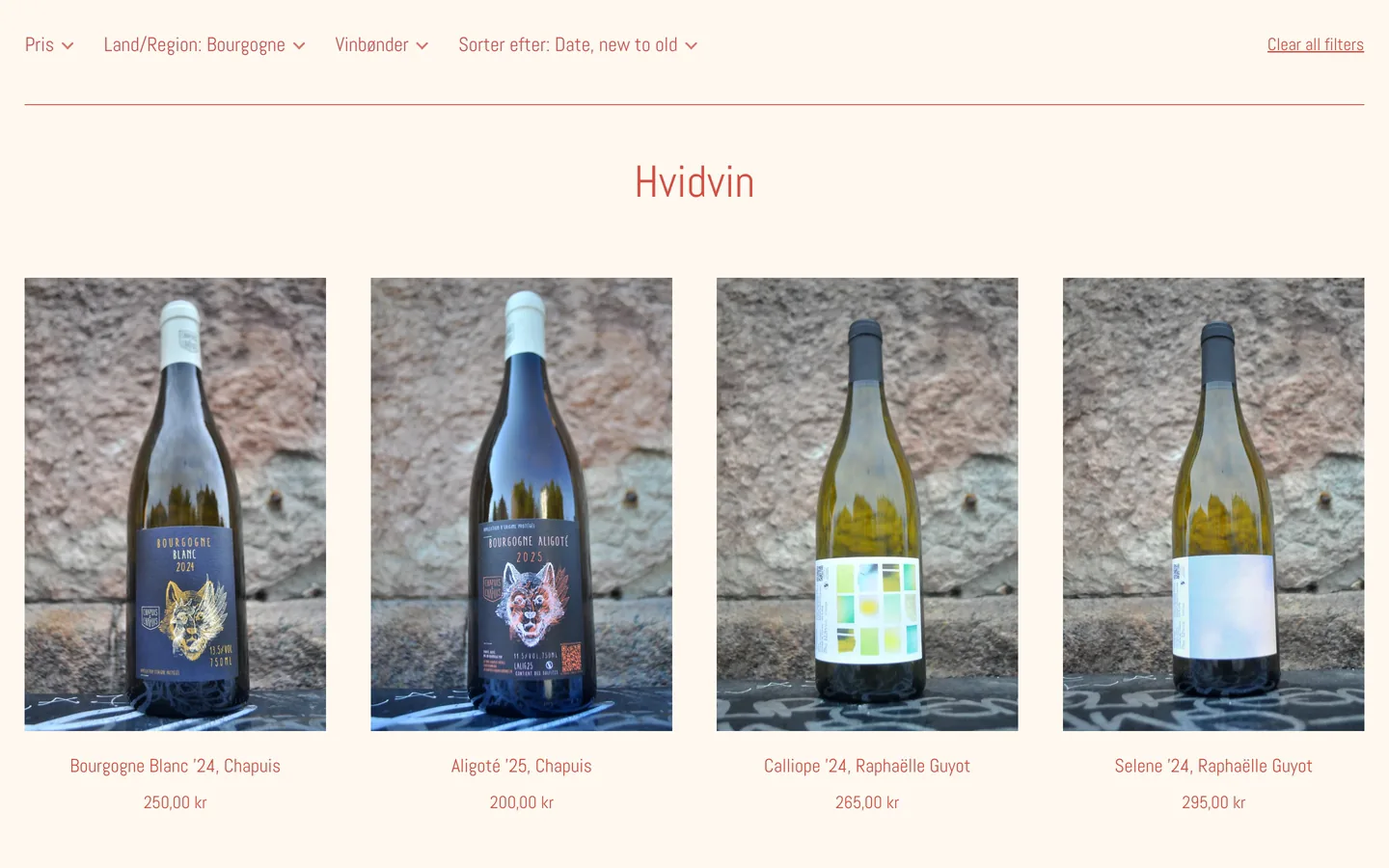
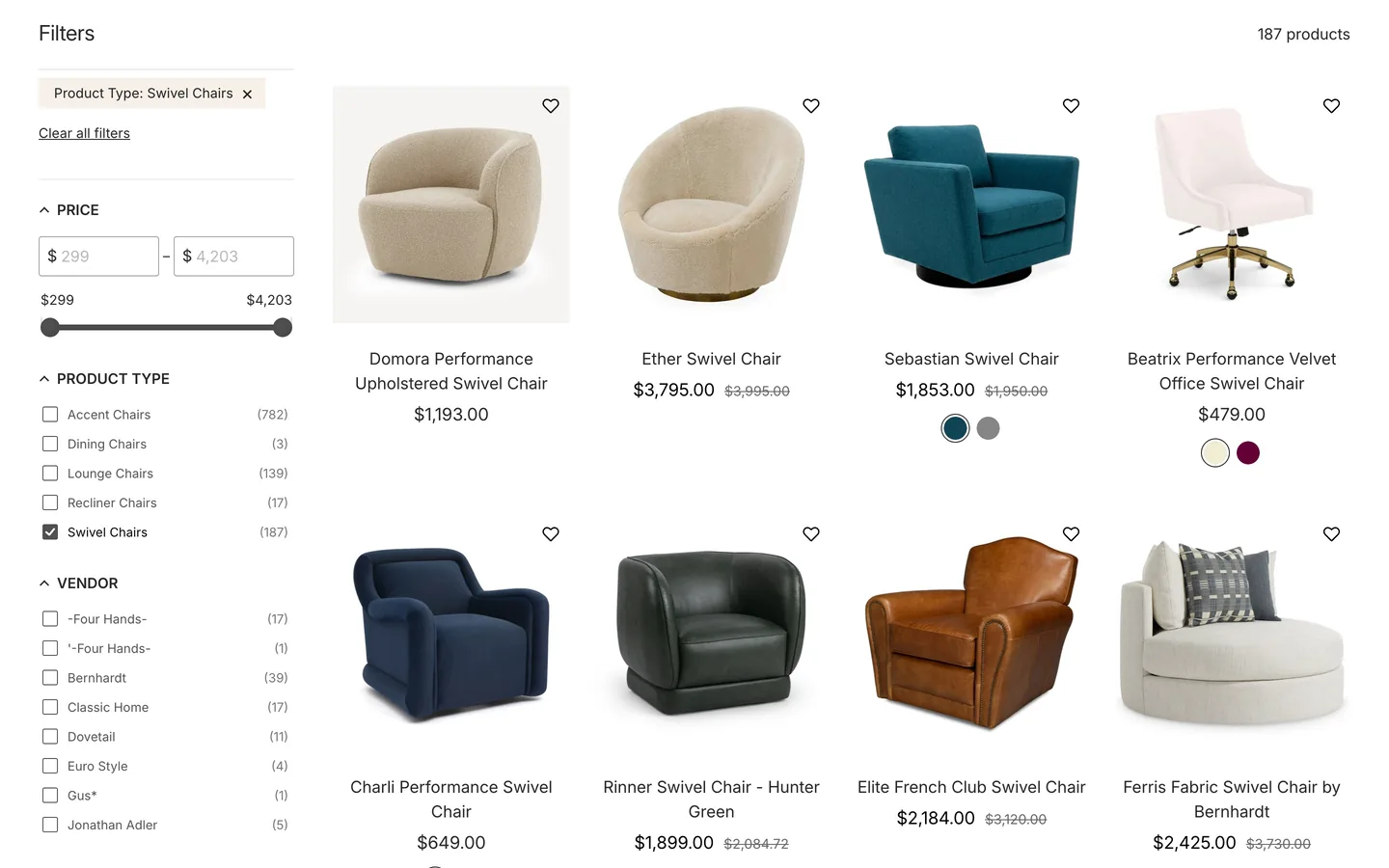
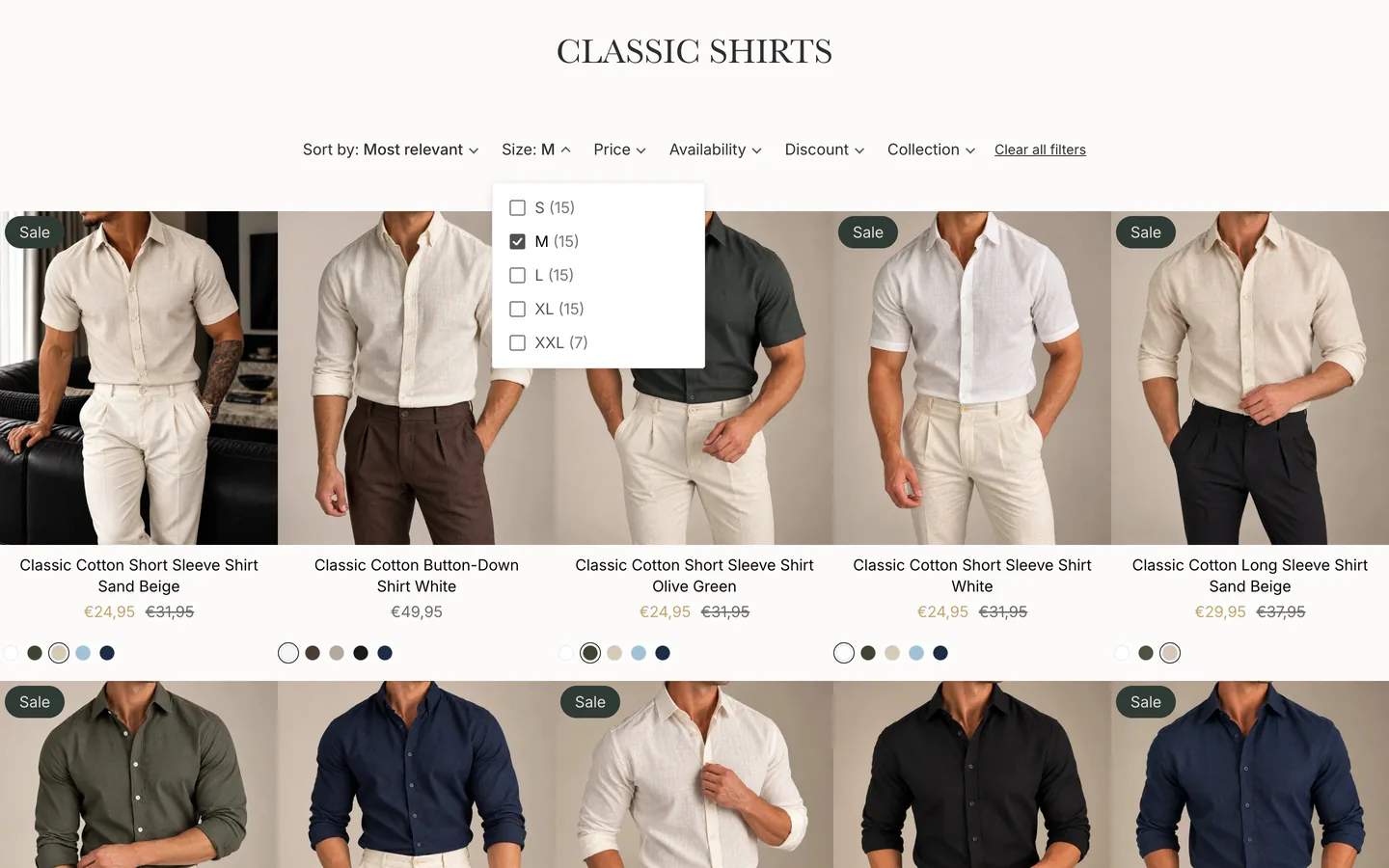
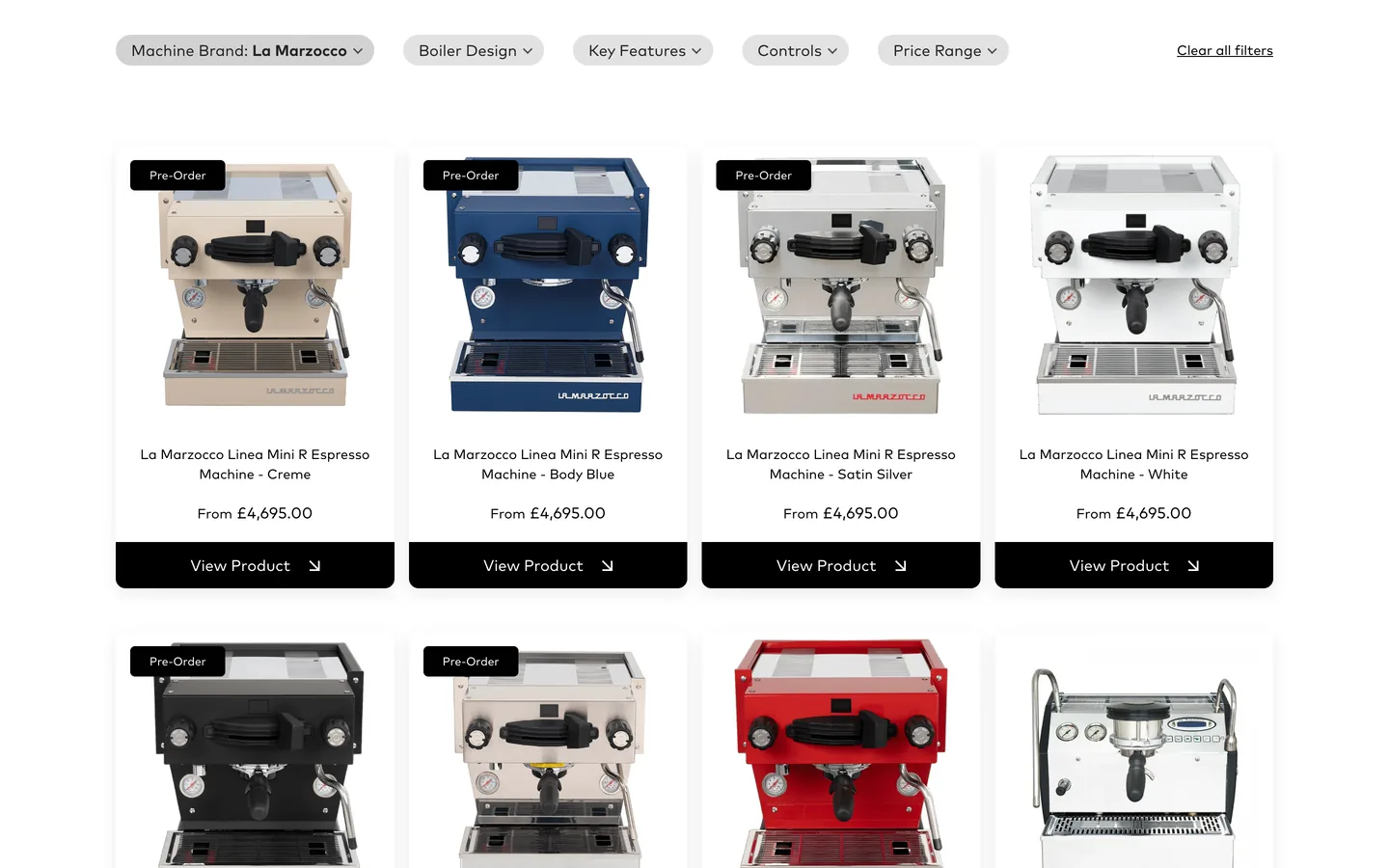
Will it replace my collection pages or product cards?
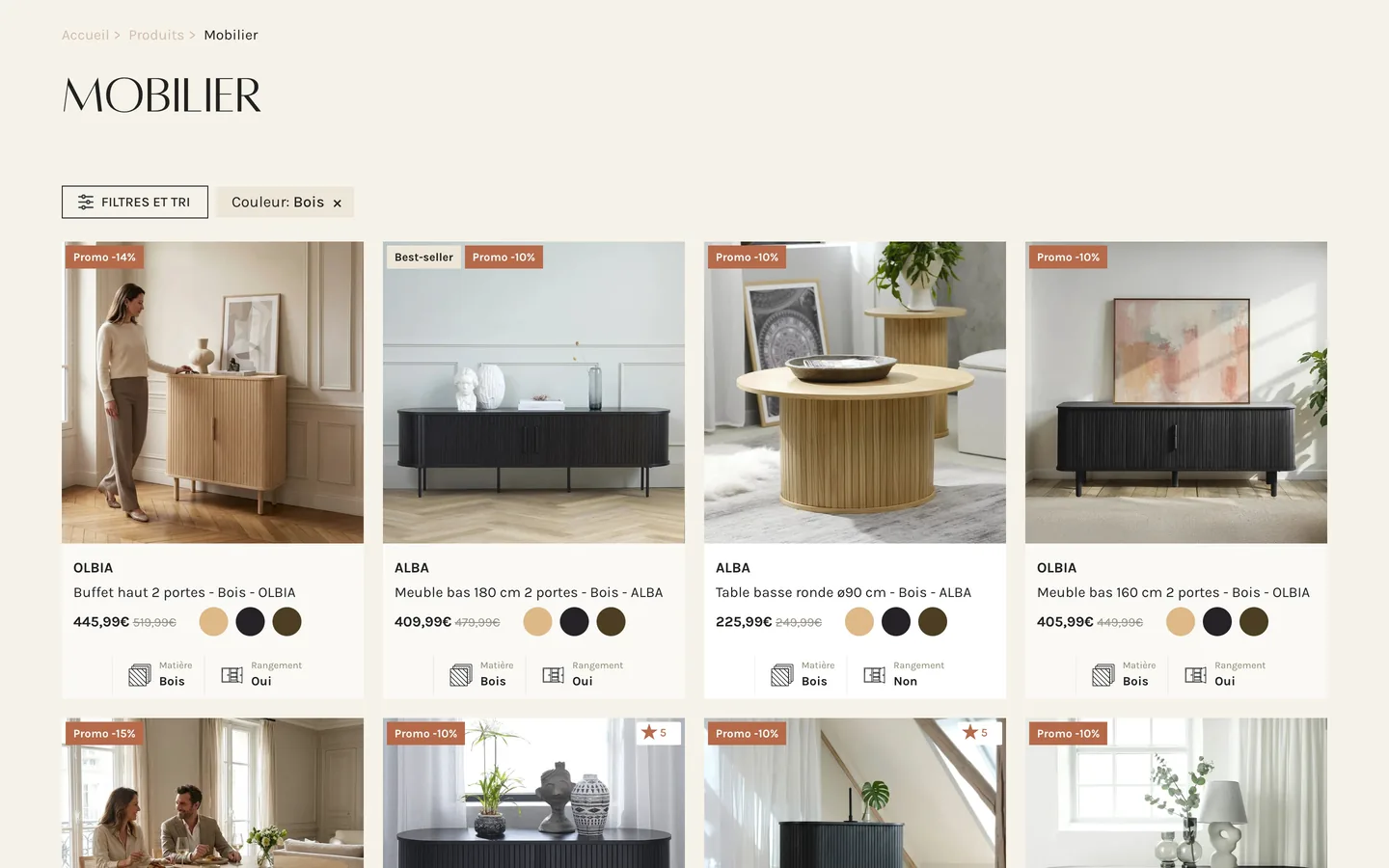
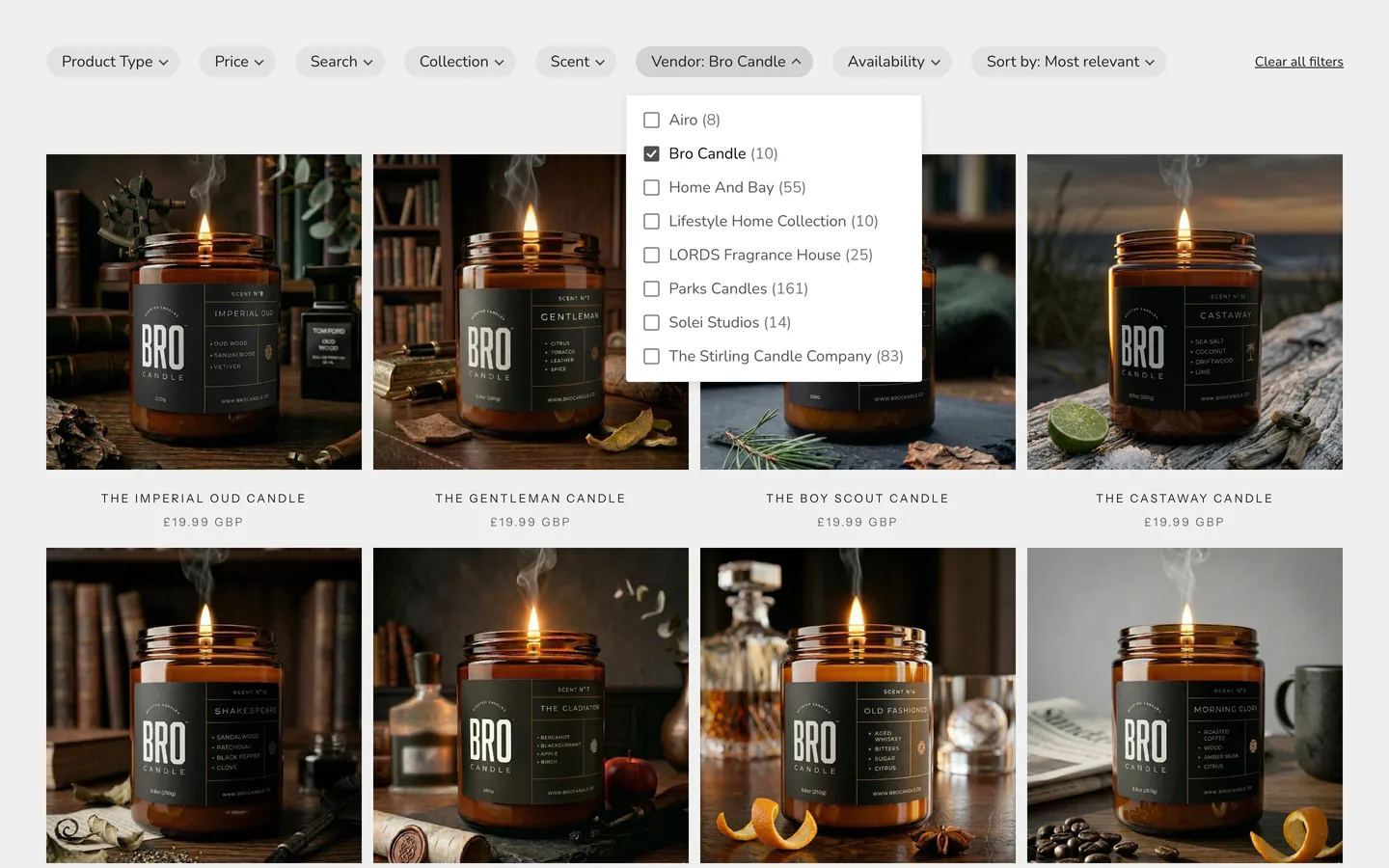
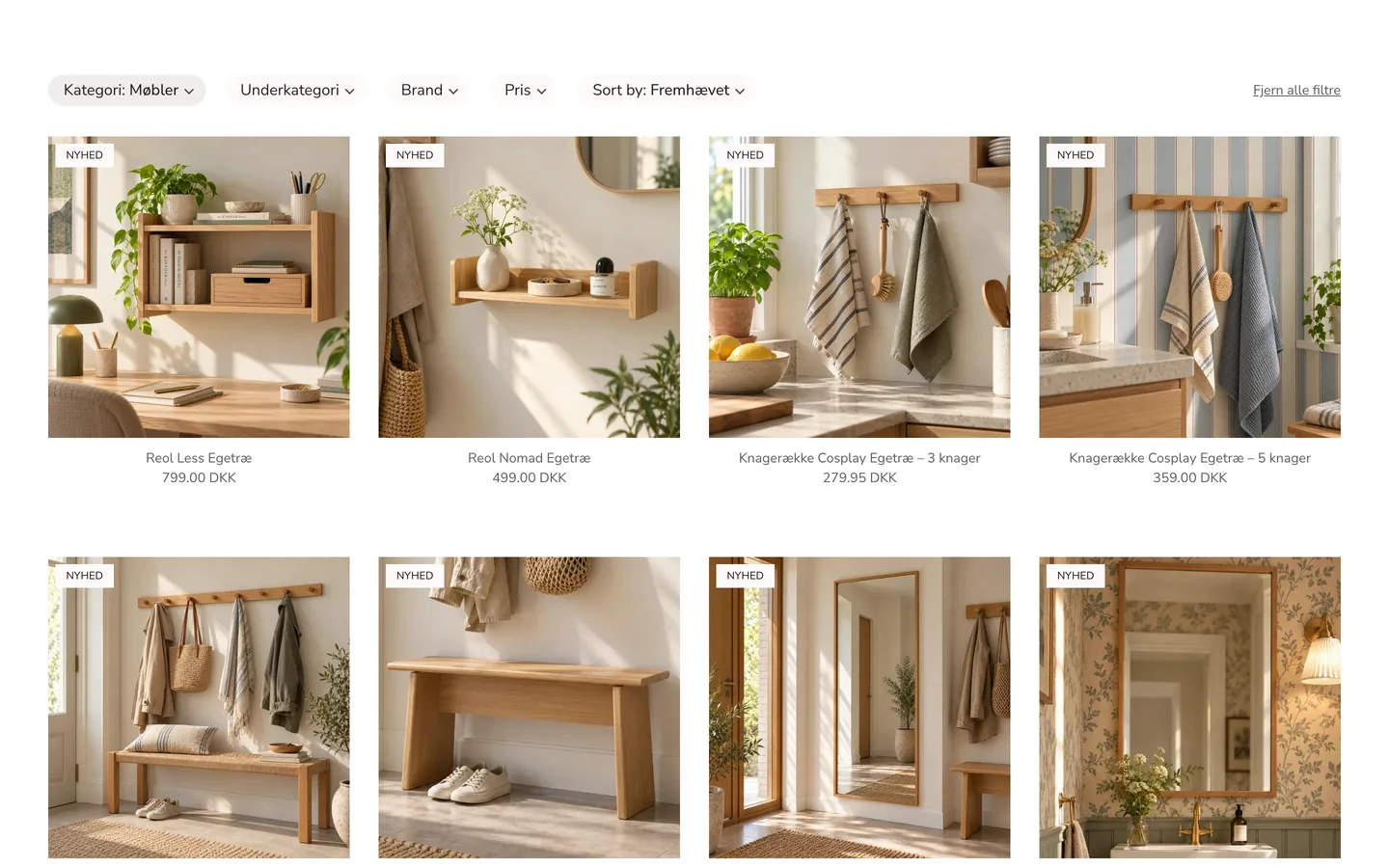
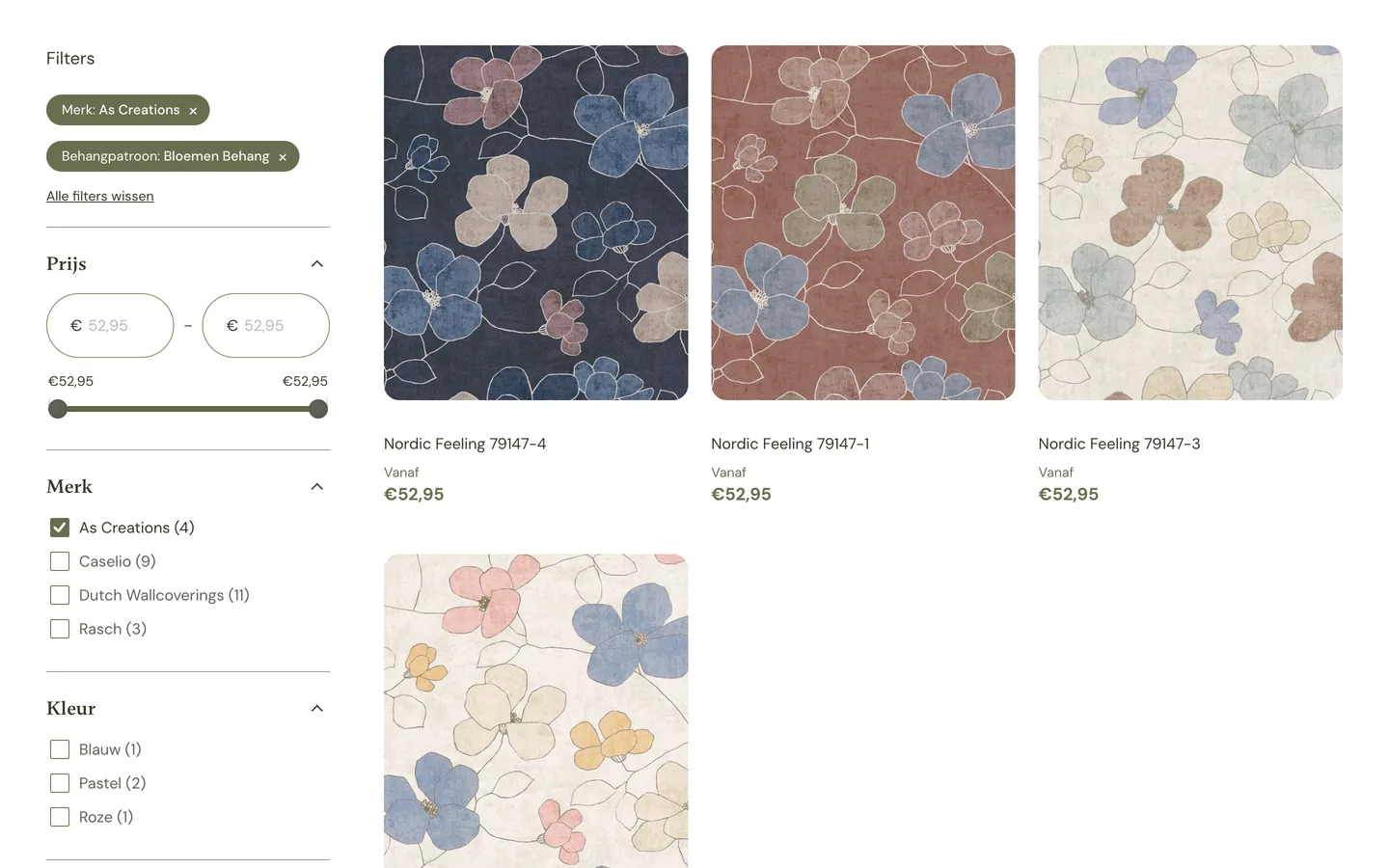
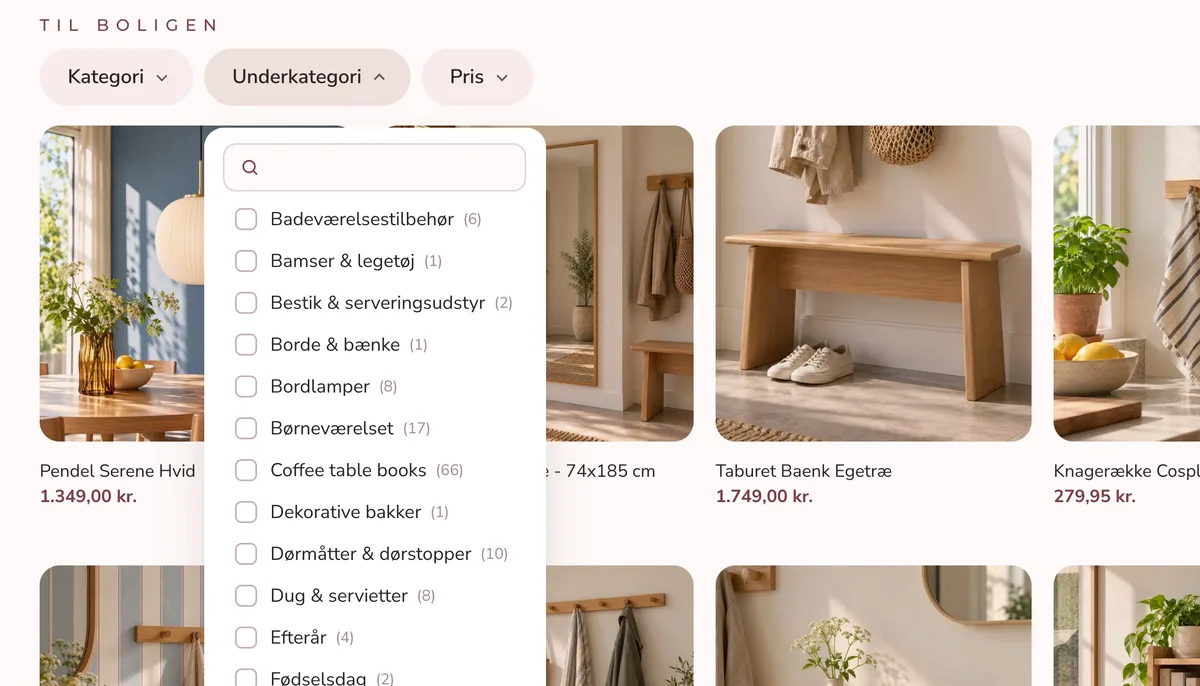
No. XCloud Search & Product Filter keeps your theme's own collection and search pages, and filtered results are shown with your theme's templates, so your page layout, sections and product cards stay exactly as they are. Keep customizing in the theme editor as usual: new sections, theme blocks, custom Liquid and AI blocks from Sidekick show up on filtered pages too.
Do I need a developer to set it up?
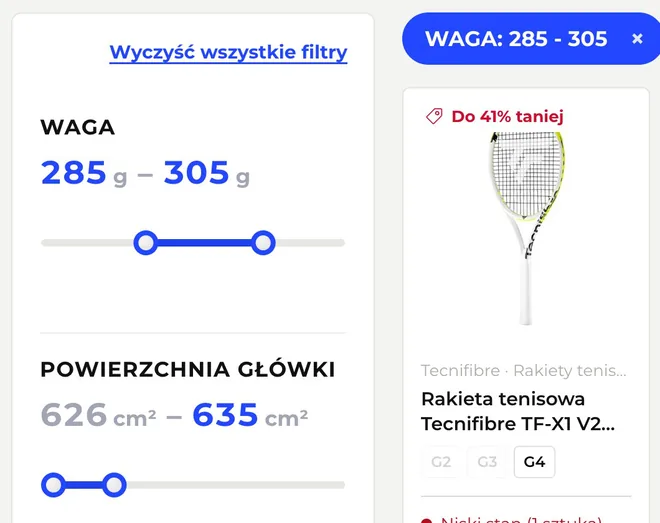
No. Search and filters work in your theme as soon as you turn on the app embed. If you'd like filters in your theme's sidebar or a custom touch, our experts do it at no extra cost: approve our collaborator request, and we place the filters in your theme and match its fonts and colours. Need something else? Just ask.
Can I try it on another theme first?
Yes, and it works there automatically. Turn on the app embed in any theme in your library, a copy of your live theme or a new one from the Theme Store, and preview search and filters right away. Your live store doesn't change until you publish. Want a sidebar or a custom touch? We add it for you.
What happens when I update or change my theme?
Turn on the app embed in the new theme. Your filters and settings stay in the app, and filtered pages follow your theme's changes within a minute. If we placed a sidebar or other code in your old theme, write to us and we add it to the new one.
Will it slow down my store?
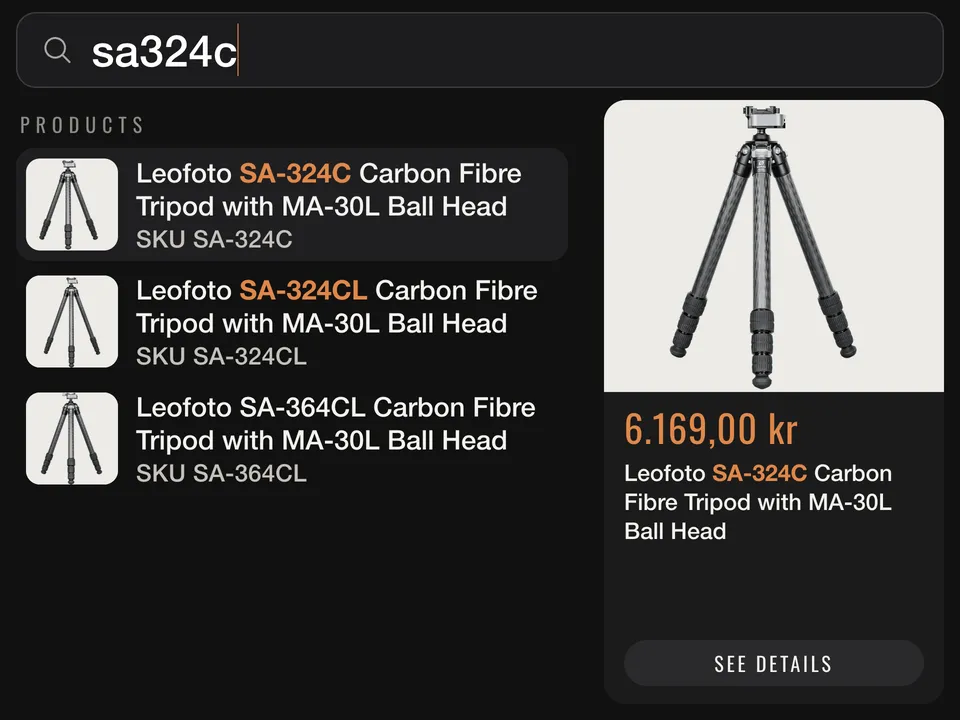
No. Pages without filters load a single 8 KB script from Shopify's CDN, it loads after your theme, and the search code downloads only when a shopper taps the search box. Before a shopper picks a filter, collection pages are served by Shopify as usual.
How is the price worked out, and what if my catalog grows?
The plan follows the number of active products in your online store. Drafts and variants don't count, and neither do visitors, searches or sales. When your catalog outgrows your plan, the app shows you the next one.
How does the free trial work?
Paid plans start with a 14-day free trial, once per store. If you uninstall during the trial, you aren't charged. After the trial, Shopify bills the plan monthly on your Shopify invoice. Development stores get every feature free.
I'm switching from another search or filter app. What do I need to do?
Install XCloud Search & Product Filter, and we help you move over. Filters are built from the same Shopify data, such as tags, variant options and metafields, so your current filters can be rebuilt.
I'm building a store for a client. How does that work?
Development stores get every feature free, so you can set up search and filters and preview them on a draft theme before handover. Our experts help with the theme the same way they do for any store, and the search and filter API is available for custom builds.
Does it work with Shopify Markets, B2B and other languages?
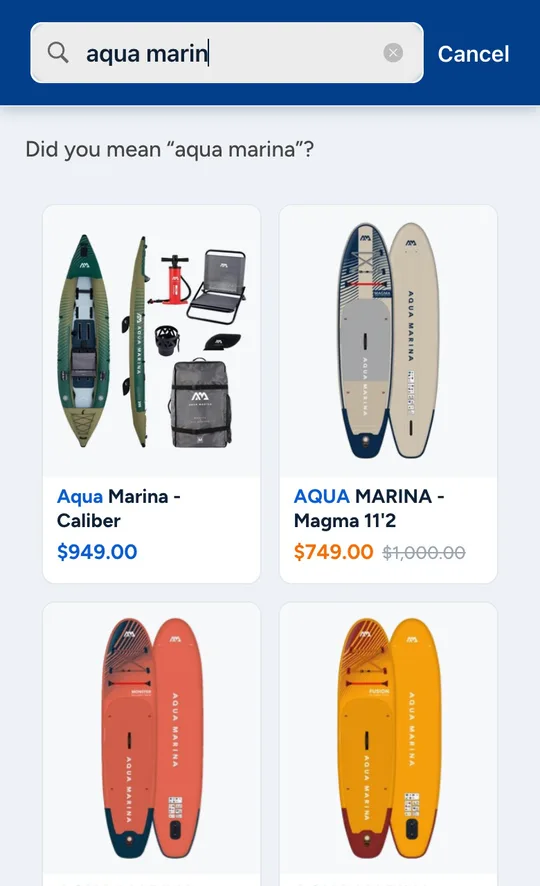
Yes. Search covers every language your store is translated into, right-to-left included, the search dropdown shows prices in the shopper's currency, and products you don't sell in a market are hidden there. B2B buyers see their own catalog and its prices.
Can developers use it for a headless store or a custom part finder?
Yes. The same search and filter API that powers XCloud Search & Product Filter on your store is available for custom builds. Write to us, and we share the details.
What happens when I uninstall?
The app never edits your theme's files, so uninstalling removes it completely, Shopify ends the subscription, and your store's search statistics are deleted. If we added code to your theme for you, such as a sidebar, we remove it on request. You can also delete the “[XCloud Search app] All products” collection the app creates.
How do I reach support?
Write to support@cloudsearchapp.com or use the contact form in the app. Support comes from the developers who build the app. Half of all questions get a first reply within 6 hours, and 96% within a day. We answer on weekends too.
Where is my store's data processed?
Search and filters run on our own servers in Germany. The app doesn't ask for access to your orders or customers. If your store needs a data processing agreement, write to support@cloudsearchapp.com.